Data workflows
Marketing data integration: from separate exports to usable reports
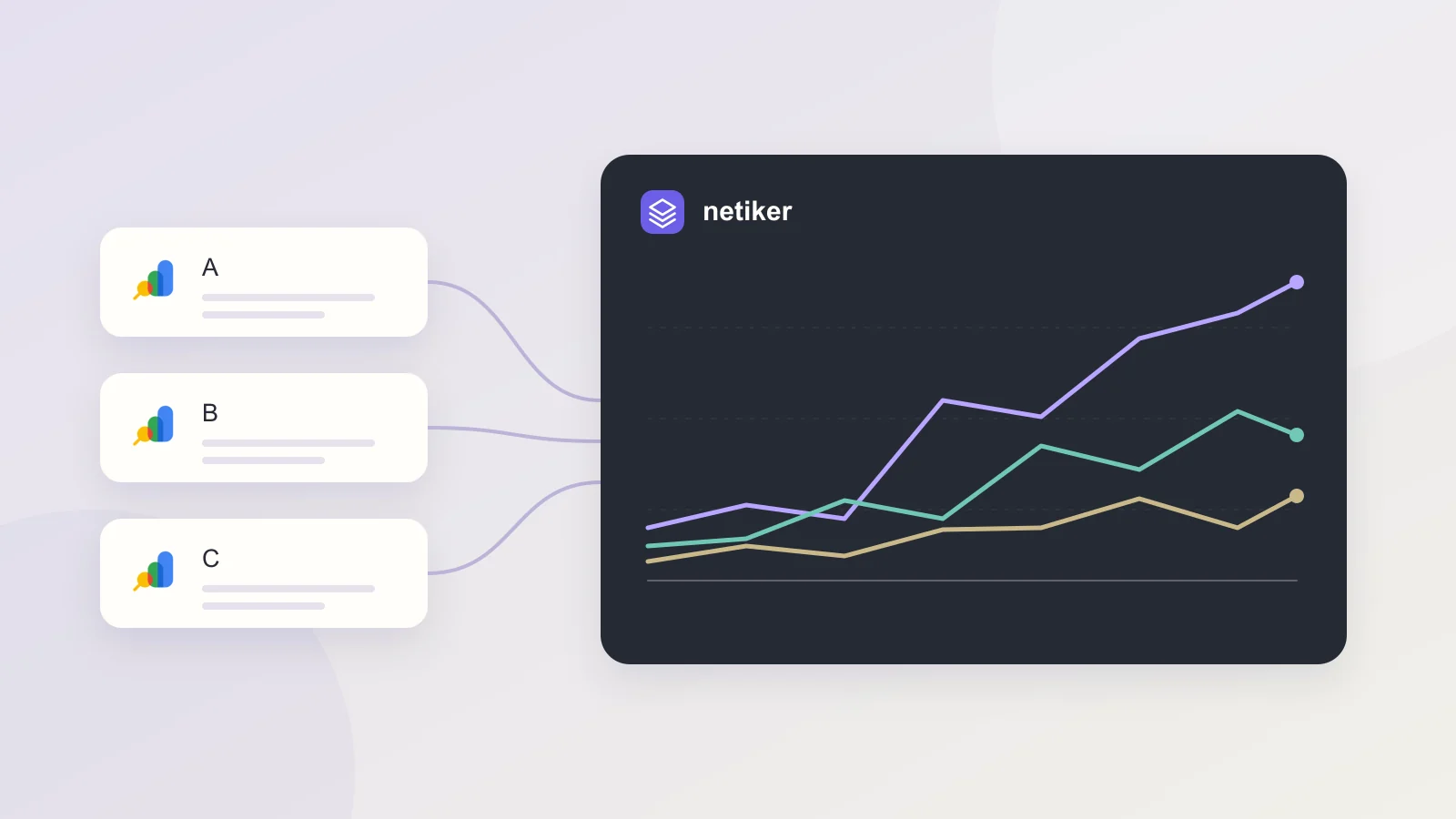
Connecting an API is the first step. Marketing data integration becomes useful when the resulting table can answer a business question without duplicating rows, mixing currencies or hiding where its numbers came from.

What you will learn
- Define the grain of a table before joining it to another source.
- Map fields and units explicitly; matching column names is insufficient.
- Separate source synchronization from reading and sharing saved results.
Decide what one row represents
A CRM export might contain one row per deal, an advertising report one row per campaign and day, and an analytics report one row per day. Joining these raw tables on date can multiply campaign costs by the number of deals. The output can look convincing while being mathematically wrong.
Choose the reporting grain first: perhaps day and currency, or campaign and country. Aggregate each input to that grain before combining it. For a daily budget review, a small consistent table is usually more useful than a large export with every available field.
Build a small field-mapping specification
Treat field mapping as a contract. Record the source field, output name, unit and transformation. Keep campaign IDs alongside names, because names can change and are not reliable join keys. Normalize text only when the normalization preserves the distinction you need.
| Source field | Output field | Check before combining |
|---|---|---|
| date / date_start | report_date | Account time zone and complete-day boundaries |
| spend / amount | cost | Currency, tax treatment and minor versus major units |
| campaign_id | campaign_id | Provider and account scope |
| revenue / deal value | Separate business metrics | Payment, recognized revenue and pipeline are different |
A common output name does not make two metrics equivalent. Record any difference that survives the mapping.
Choose a union or a join deliberately
A union appends compatible rows, such as daily campaigns from several accounts. A join puts fields from different tables next to each other using matching keys. Before joining, check whether each key is unique on one side or both. A many-to-many join is a frequent cause of inflated totals.
When a match is absent, preserve the distinction between missing and zero. No revenue record may mean the source was not imported, not that the business earned nothing. Use a full join when you need to expose unmatched rows and investigate them before making a financial conclusion.
Automate retrieval, then work on saved data
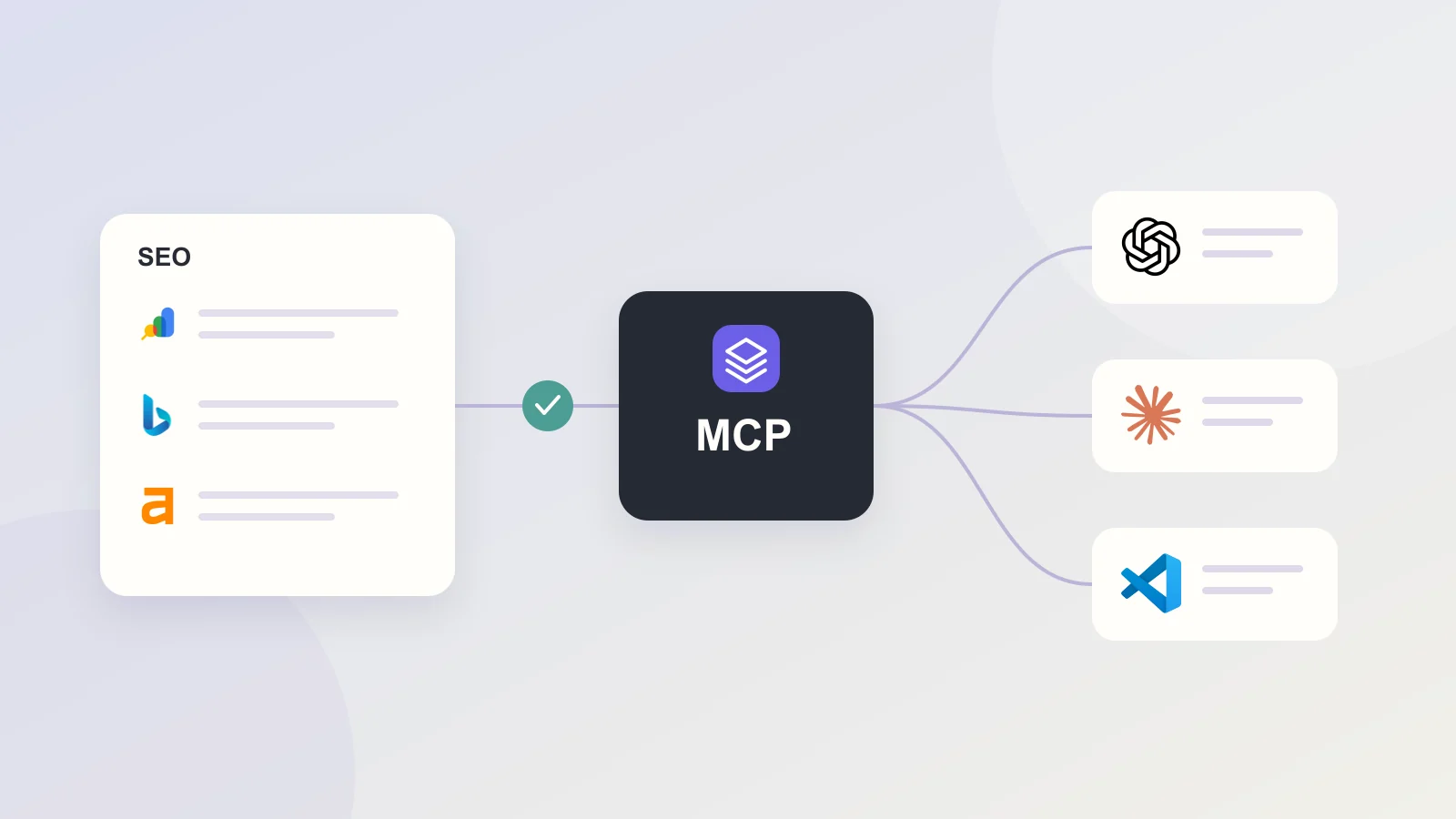
In Netiker, source synchronizations retrieve and save reports. Analyses, CSV exports, Data API and MCP reads work on saved results; opening a chart does not itself refresh the provider. This makes the last successful synchronization and reporting coverage part of the report, not an implementation detail.
Connect an available source or import CSV, verify a sample, map the relevant fields and save your analysis. Add a schedule where supported and check its first completed run. Refresh frequency, historical windows and row limits depend on the plan and the upstream API.
Worked example: avoid doubling cost with a join
An ad account reports 100 EUR of cost for a day. The CRM contains two deals on that day. Joining the raw inputs can produce two rows, each showing 100 EUR. Summing the joined cost now reports 200 EUR even though the source only recorded 100 EUR.
Aggregate the CRM to one row per day and currency before joining it to daily costs. Check totals before and after the join. If you want to allocate costs to individual deals, define an explicit allocation rule; a technical join does not supply that business rule.
All numbers in this example are illustrative and do not come from customer accounts.
Add a small acceptance checklist
Keep the definition alongside the final number. A recurring report should apply the same keys, filters and units each time. When a mapping changes, decide whether the old and new outputs remain comparable.
- Reconcile input totals against totals after the join.
- Count duplicate keys and unmatched rows.
- Check currencies and time zones against the sources.
- Recognize the last valid result after a synchronization failure.
- Share only the reports intended for the client project.
Do not confuse a joined report with attribution
Putting total revenue next to total ad spend gives a blended business ratio. It does not prove which campaign caused a sale, and it is not automatically the ROAS reported by an advertising platform. Attribution requires an explicit method and the relevant conversion data.
For a first useful report, pick one question: which days exceeded the budget, which domains lost clicks, or which accounts have stale imports? Publish the metric definition and comparison period with the answer. Expand the pipeline only when the next source improves that decision.
Questions and answers
Do I need a data warehouse to begin?
Not for every reporting workflow. Start with the data volume, transformations and access requirements you actually have. A warehouse becomes a separate architectural decision, not a prerequisite for every dashboard.
Is marketing ETL the same as ELT?
Both move data between systems, but the order differs: ETL transforms before loading into the destination; ELT loads first and transforms there. Compare the actual storage and computation boundaries rather than choosing by acronym alone.
Reviewed: