AI and MCP
Use SEO reports in ChatGPT and Claude through MCP
An AI assistant can help interpret SEO data when it can identify the report, period and limitations behind a number. MCP provides a structured way to request that context instead of relying on copied screenshots and unlabelled totals.
What you will learn
- Connect the assistant to saved reports, not a provider secret pasted into a chat.
- Ask for the report, period and missing data alongside the interpretation.
- Treat the generated explanation as something to verify, not proof of causation.
What the assistant actually reads
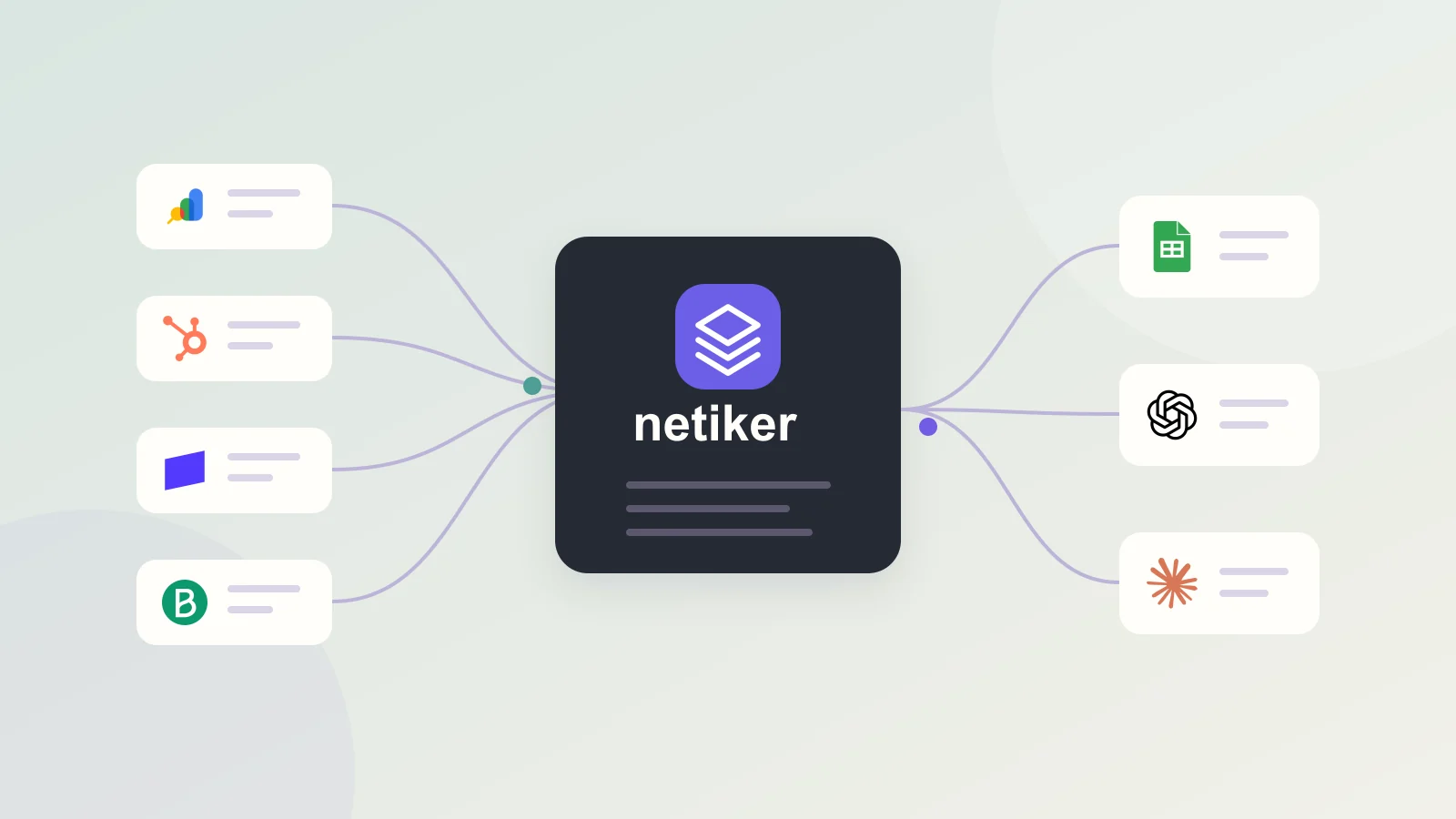
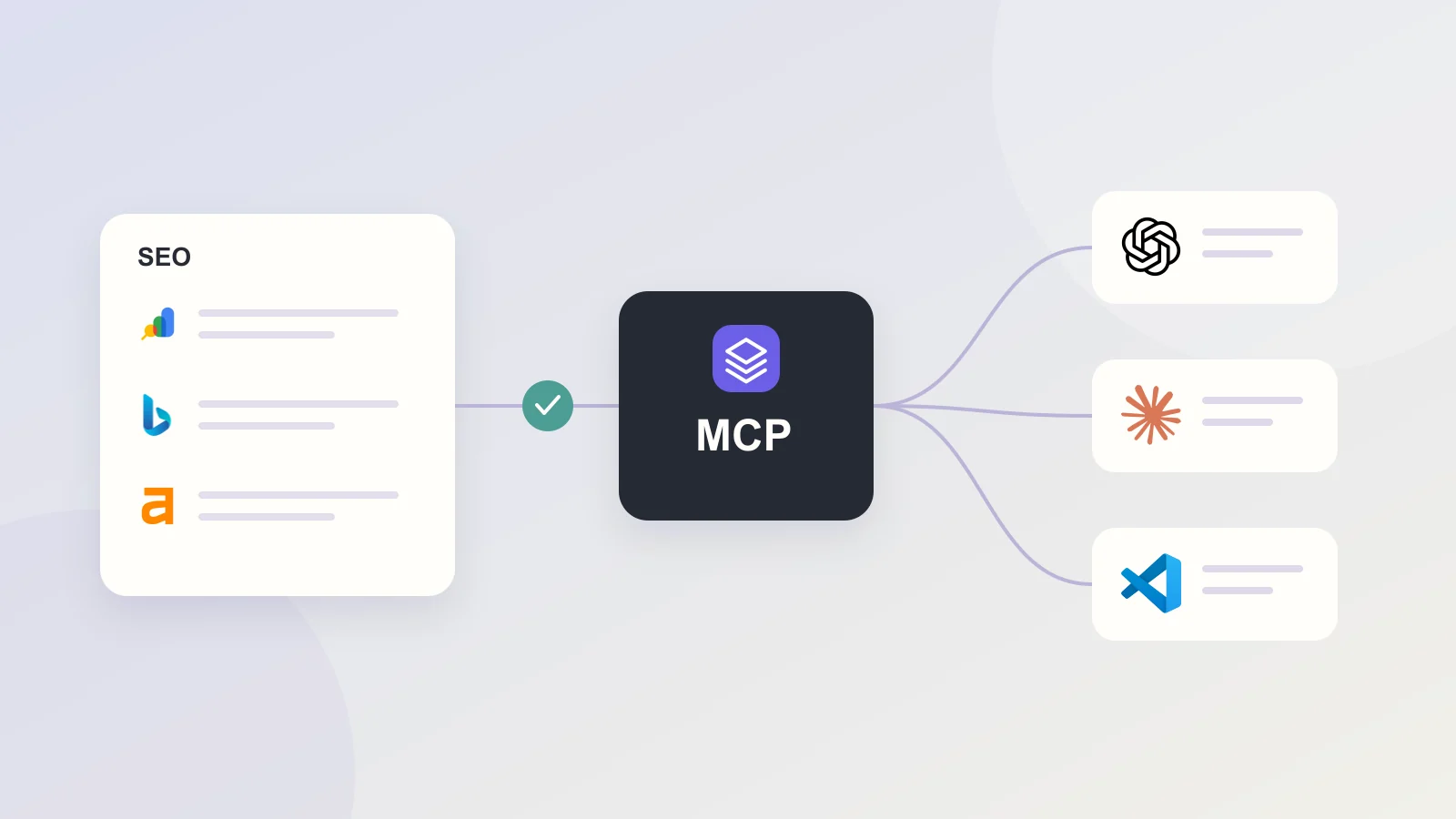
Netiker retrieves reports through your configured sources and stores their results. Its MCP tools let an authorized client discover reports, inspect metadata, read report rows in pages and inspect synchronization history when the granted scope allows it. The assistant requests data when you use the connection; it is not automatically receiving every future report.
The same workflow can involve Google Search Console measurements, Bing reports or Ahrefs estimates. These sources answer different questions. Ask the assistant to keep the provider and metric definition in its response rather than merging all traffic-like numbers into one total.
Separate access to Netiker from access to a provider
Connect the client to Netiker using the supported authorization flow and review the requested access. A report-reading connection should not require pasting your Google token or Ahrefs API key into the conversation. Your Netiker access and the upstream source connection have separate purposes.
An AI client still processes the report content it receives. Review its own data handling terms and share only the data appropriate for the task. OAuth makes authorization explicit; it does not make exported report content confidential by itself or remove your responsibility for what you share.
Ask questions that can be checked
A useful prompt narrows the source, dates and comparison. Request the inputs before a conclusion, especially when a small number of clicks can create a large percentage change.
- Compare clicks and impressions for these domains over the same complete period. Show each domain separately and identify overlapping properties.
- Find pages with rising impressions and stable clicks. Include the report date range, query filters and the number of observations.
- Check the last successful synchronization before explaining a decline. If data is missing, state what cannot be concluded.
- Prepare a client summary with measured results, possible explanations and the next verification step in separate sections.
These are example questions, not claims that every report contains all dimensions or that an assistant will always choose the correct tool.
Verify totals and reporting coverage
Before using the answer in a client report, open the underlying Netiker report. Check the property, dimension, period, row limit and last refresh. For a paginated MCP response, a subtotal from the first page is not automatically the total for the complete report.
Request weighted calculations where appropriate and distinguish absence from zero. If the assistant explains that a page lost rankings because of a specific update, ask what evidence supports that cause. A change in a chart alone establishes neither the reason nor the action that will reverse it.
Turn a vague question into an auditable request
“Why is SEO doing badly?” supplies neither a comparison nor a success criterion. A better request is: “Compare the last two complete weeks for this property. Show clicks and impressions by day, check missing data and identify the three largest observed changes.” This asks for evidence before an explanation.
A useful answer distinguishes observation from interpretation. “Clicks fell” may follow from a report. “A technical change caused the decline” requires additional evidence. Ask which checks would support that conclusion, such as indexing, page changes or another reporting window.
Keep the answer useful outside the conversation
Do not send only a paragraph of generated prose to a client. Retain the report used, its date boundaries and key measurements. Add a short list of unresolved questions so that another person can understand the result without reading the entire chat.
- Name the report and source.
- Record the comparison window and data freshness.
- Separate measurements from estimates.
- Leave uncertainty and the next verification visible.
- Save reproducible calculations as an analysis.
Choose the client, keep the data workflow consistent
Netiker has connection guides and packages for ChatGPT, Claude and VS Code. Follow the guide for your client and account; installation and organizational permissions depend on that environment. A GitHub package and a public marketplace listing are different distribution routes.
Start with one saved report and a question you can answer manually. Compare the assistant's result with the table, then expand to cross-report analysis. If you need a reproducible calculation, save it as an analysis or export the inputs rather than making the conversation your only record.
Questions and answers
Does an MCP read refresh Google Search Console?
No. Netiker's report-reading tools access saved results. Check the source synchronization if a report needs newer data.
Will the AI assistant see every account in my organization?
Do not assume organization-wide access. The connection is authorized for its account and granted scopes; check which reports the tools actually return before sharing the workflow.
Reviewed: