




 Report in Netiker

Available
SEO
Google Search Console
Automate Google Search Console reports for multiple sites. Compare clicks, impressions, CTR and position, and export GSC data to Google Sheets or CSV.
Connect your marketing, SEO and CRM sources with Netiker. Sync data, compare results, and share reports with ChatGPT, Claude, and Copilot in VS Code. Also use Google Sheets, CSV and Data API.
Free Plan: 1 integration, no GSC page limit · Your accounts. Your data.
You link your own account. You select the data to download.
Data recorded together with information about the source and period.



Reading the report does not trigger another download from the source.
NETIKER ECOSYSTEM
From marketing and analytics to business data. Select a source and connect it with your own account or API key.
SEO
Automate Google Search Console reports for multiple sites. Compare clicks, impressions, CTR and position, and export GSC data to Google Sheets or CSV.
SEO
Connect Bing Webmaster Tools with your API key. Sync clicks, impressions, queries and pages across multiple sites and export reports to Google Sheets, CSV or API.
SEO
Save domain metrics with Ahrefs. Get estimated traffic and keyword counts, then export the results to spreadsheets or via API.
Revenue
Download Stripe balance transactions to Netiker: amounts, fees, net, currencies and statuses. Save reports and export data for further analysis.
CRM
Export HubSpot CRM deals to Google Sheets or CSV. Sync deal stages, values, currencies and dates, and analyze saved CRM data in Netiker.
Email marketing
Import your Brevo campaign catalog into Netiker. Save campaign names, email subjects, statuses and dates, schedule refreshes and export reports.
Analytics
Connect GA4 via Google OAuth. Sync sessions, engagement, key events and revenue, then analyze and export saved reports.
Advertisements
Synchronize daily spend, impressions and clicks of your Meta Ads campaigns. Analyze CPC and CTR and export reports to Google Sheets, CSV or Data API.
E-commerce
Connect your Shopify store to Netiker. Analyze orders and order totals, schedule refreshes and share saved reports through Sheets, CSV, Data API or MCP.
Email marketing
Analyze Mailchimp emails sent, unique opens, clicks, bounces and unsubscribes in Netiker. Schedule campaign reports and export saved data to Sheets, CSV or API.
CRM
Bring Pipedrive deals into Netiker. Compare created and won deals, separate currencies, schedule snapshots and export CRM reports to Sheets, CSV or Data API.
Analytics
Bring Yandex Metrica visits and pageviews into Netiker. Automated reports, comparison charts, sampling disclosure and data exports.
Advertisements
Synchronize daily Amazon Sponsored Products spend, clicks and impressions. Regions, profiles, token renewal and asynchronous reports are supported.
Social media
Import public TikTok videos and their lifetime views, likes, comments and shares. Automatic synchronization through the TikTok Display API.
Advertisements
Bring Apple Ads campaign reports into Netiker: spend, impressions, taps and installs. OAuth authorization, charts, schedules and exports.
E-commerce
Synchronize eBay orders to Netiker. Amounts, currencies, payment and fulfillment status, charts and exports through Sheets, CSV, API or MCP.
Work management
Export monday.com board data to Google Sheets, CSV or API. Sync active items, groups and text column values into Netiker reports.
17 available integrations. You connect your own accounts. API access and limits also depend on the provider. CSV import is available regardless of integration.
YOUR DATA, COMBINED
Integration of marketing, SEO, sales and email data in one flow. Netiker downloads and saves the data, and ChatGPT, Claude, Copilot and your tools use it when you connect your account.
01 / DATA SOURCES
Google Search ConsoleVisibility in the search engineAhrefsTraffic estimates and keywordsHubSpotCRM transactionsStripePayment detailsBrevoEmail campaignsBing Webmaster ToolsVisibility on BingGoogle Analytics 4Sessions and revenueMetaAdsCampaign expenses02 / CONNECT AND ORDER
Source, design and period recorded with results.
03 / WHERE YOU USE YOUR DATA
ChatGPTClaudeVS Code · GitHub Copilot Netiker MCP · other AI tools Google Sheets Data API · JSON/CSV AI reads reports through MCP on demand, with your consent. Sheets can update after syncing. You choose access and how you work.
DATA FOR YOUR ASSISTANT
Netiker combines sources with analysis tools. The assistant gets access to saved reports via MCP. GSC, Bing and other providers' keys remain in Netiker.
Connect your Netiker account and let ChatGPT read saved reports through MCP tools. Ask about results, compare periods and check data limits.
Connect ChatGPTWork on Netiker reports in Claude. The plugin provides reading of data and synchronization history after approval of access to your account.
Connect ClaudeView reports in the editor panel or analyze them with Copilot via MCP. The extension connects to your Netiker account via OAuth.
Connect VS CodeTAKE CHAOS AWAY FROM DATA
Check the results in the app, combine different sources or pass data to your tool.
Collect reports in projects. Go back to saved results, filter rows and download CSV without refreshing the source again.
Set for eight series. Select a day, week or month and compare values or percentage change. Save the configuration for subsequent analysis.
Select data sourcesShare reports with assistants via MCP, update Google Sheets after synchronization, or read data via API. You will use the same saved results in the selected tool.
Learn about exports and APIsA SIMPLE START
Create an account in the Free plan. Start without entering your payment card.
Connect an available integration or import a CSV report.
Check metrics, analyze reports and export results.
Get more from your source data with practical reporting guides.
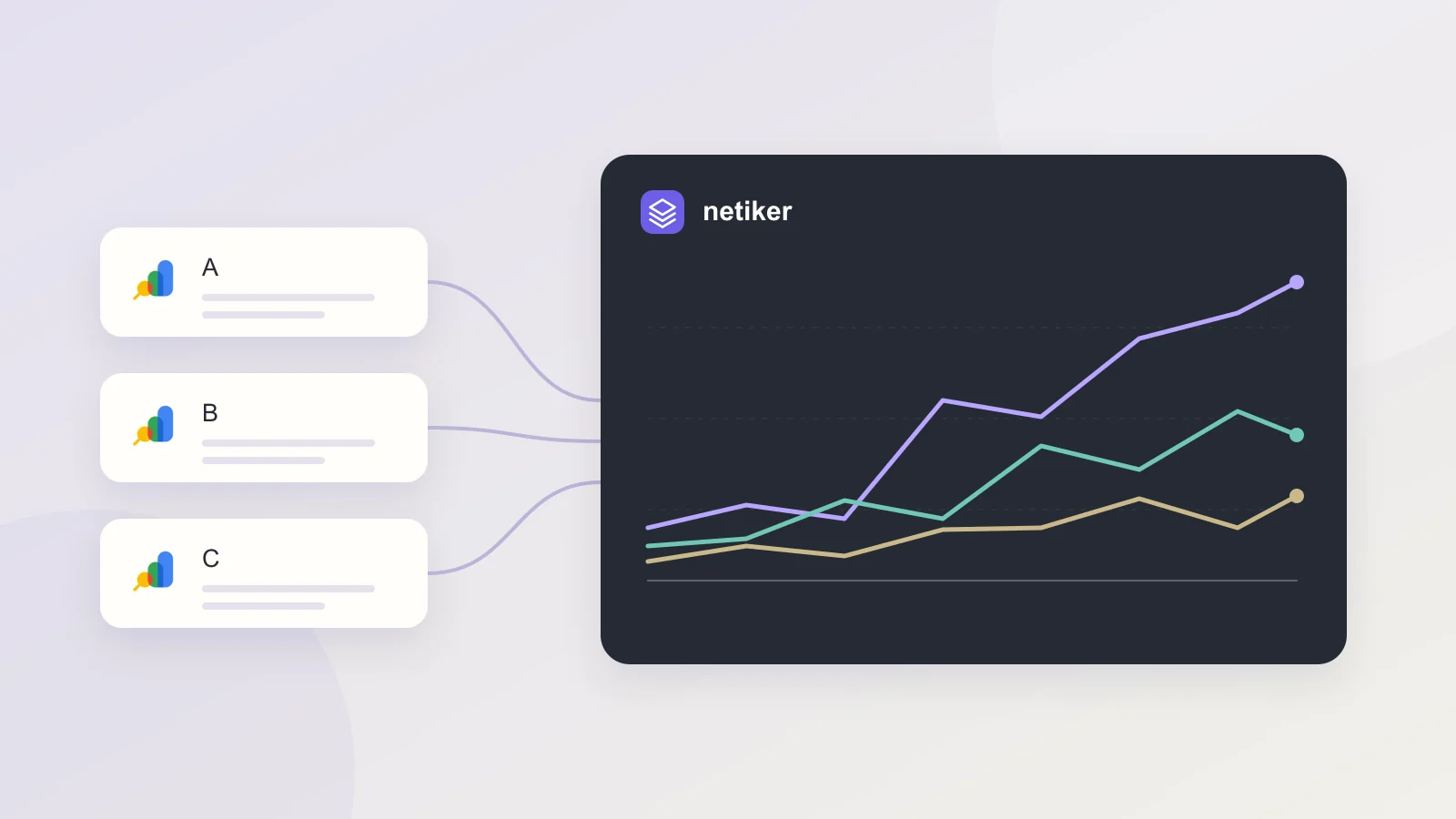
Build a multi-site SEO dashboard with comparable dates, correct CTR calculations and clear property boundaries. A practical Google Search Console reporting guide.
Read guide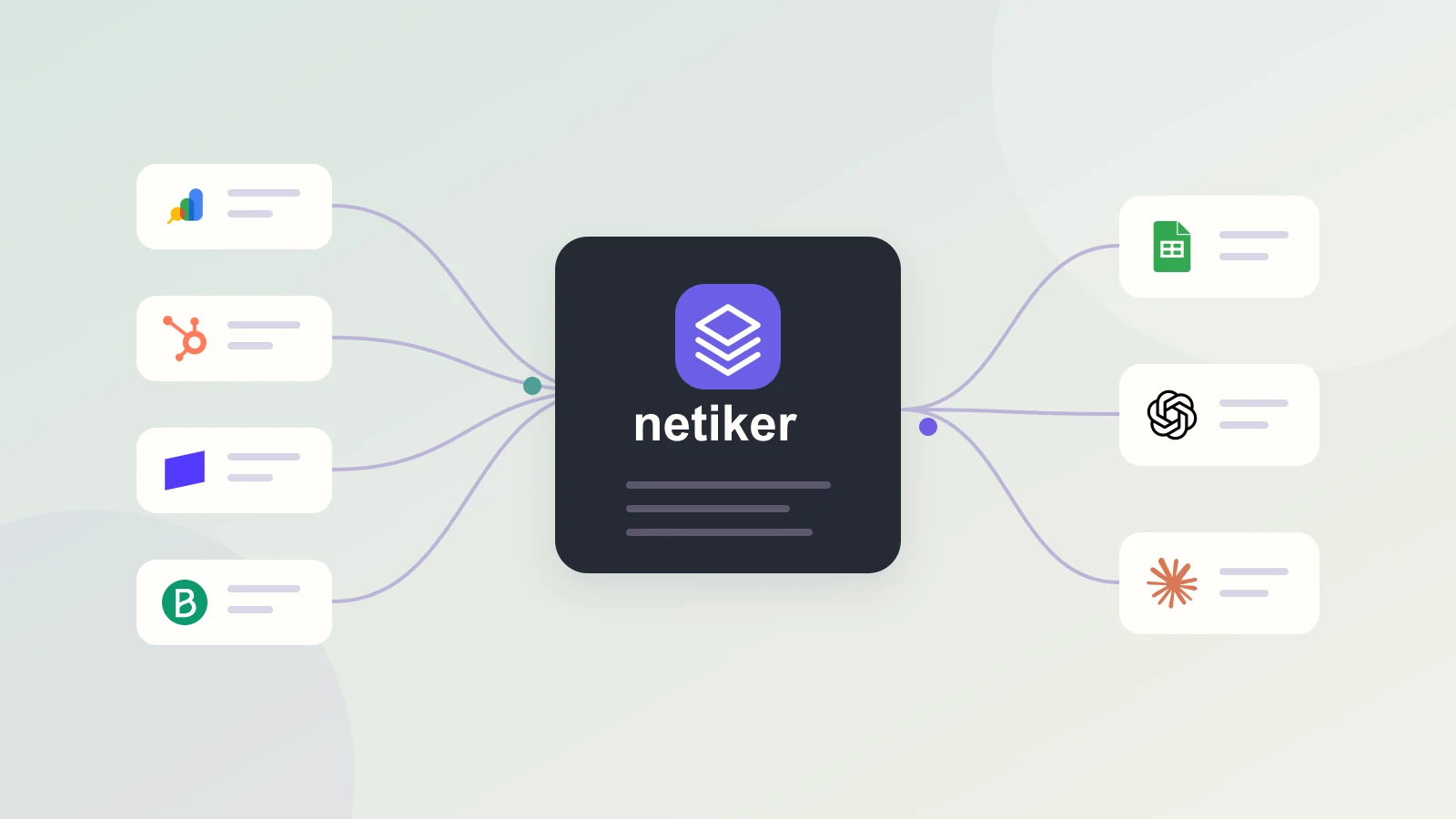
Learn how to combine marketing, SEO and CRM data with field mapping, reliable join keys, consistent currencies and scheduled reporting workflows.
Read guide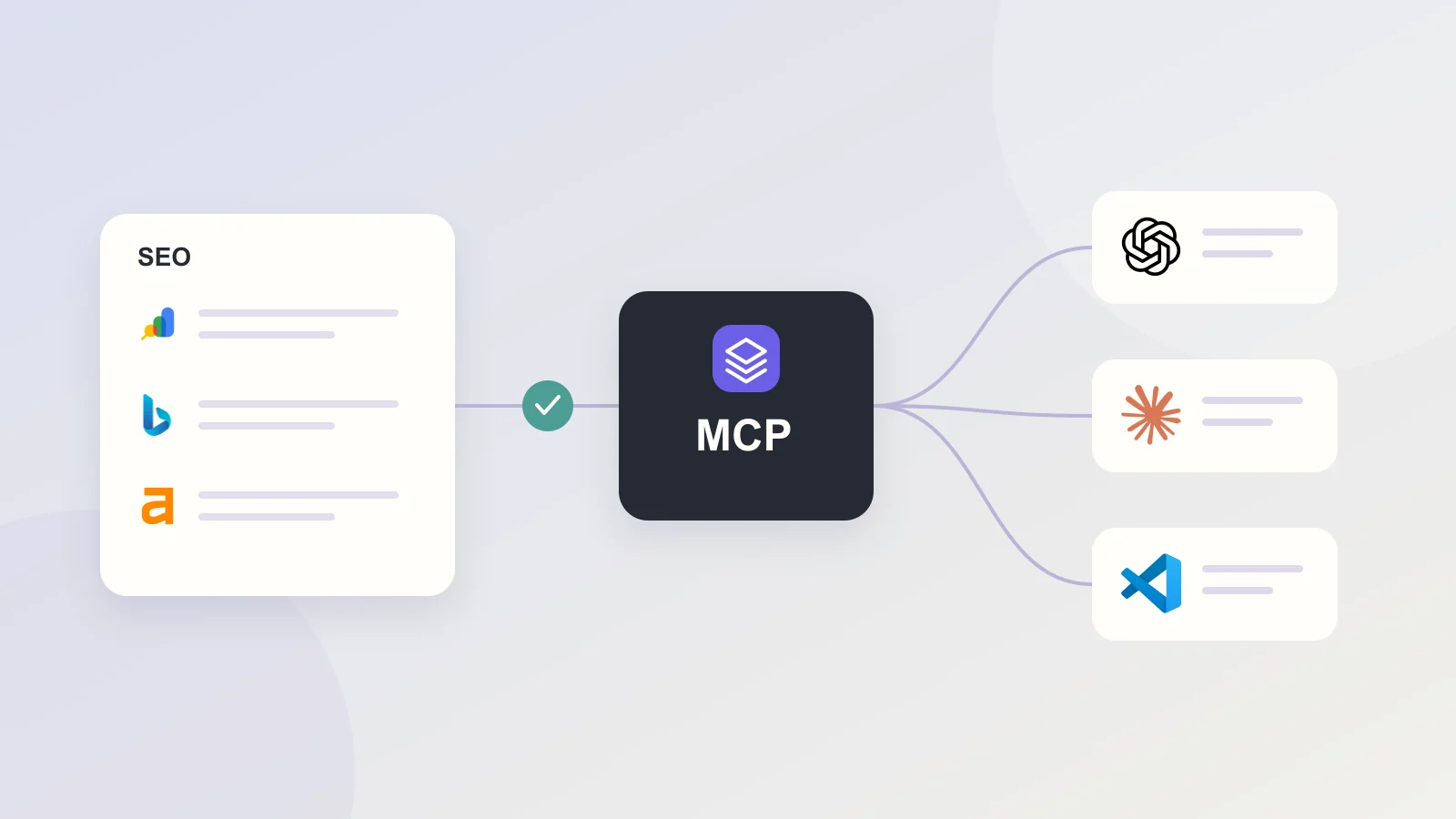
Give an AI assistant scoped access to saved GSC, Bing and Ahrefs reports through Netiker MCP. Ask better SEO questions and verify the data behind the answer.
Read guideSTART WITH YOUR DATA
Create a workspace and test Netiker on your own project.