Choosing a platform
Windsor.ai, Funnel or Netiker? Compare your reporting workflow
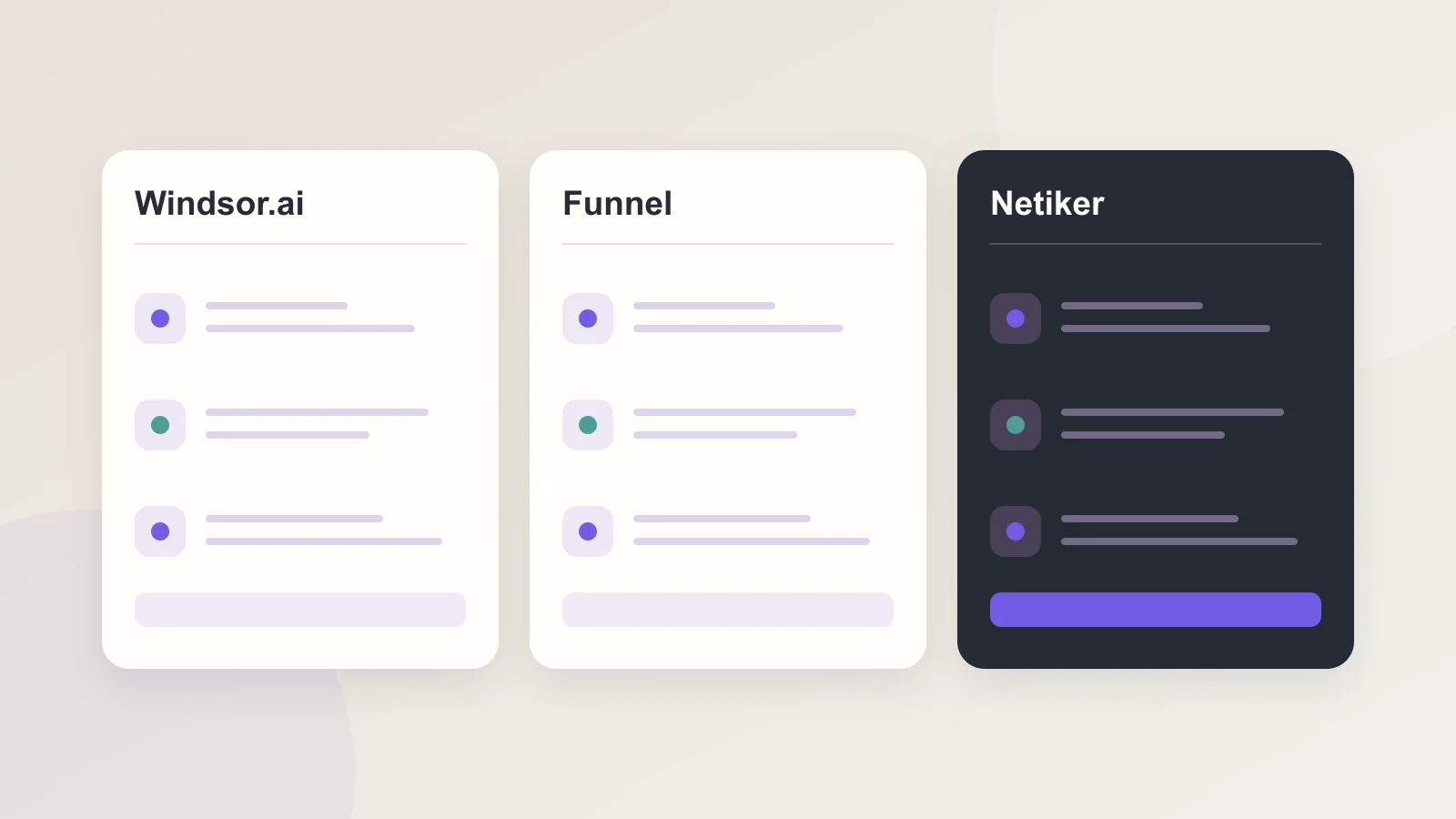
A useful alternative to Windsor.ai or Funnel must fit your actual reporting job. Compare the sources, fields, destinations and permissions you need before treating connector counts or a headline subscription price as a decision.
What you will learn
- Check the exact connector and required fields, not only the vendor logo.
- Count source types, accounts and destination tasks separately.
- Evaluate a complete workflow on your own data before migrating client reporting.
Three products, different starting points
Windsor.ai presents a broad connector and destination catalog, including BI tools, storage platforms and MCP. Funnel combines a marketing data hub with data preparation, dashboards and AI access; connector availability varies with the plan. These are descriptions of the vendors' published offerings, not evidence that every connector exposes the same fields.
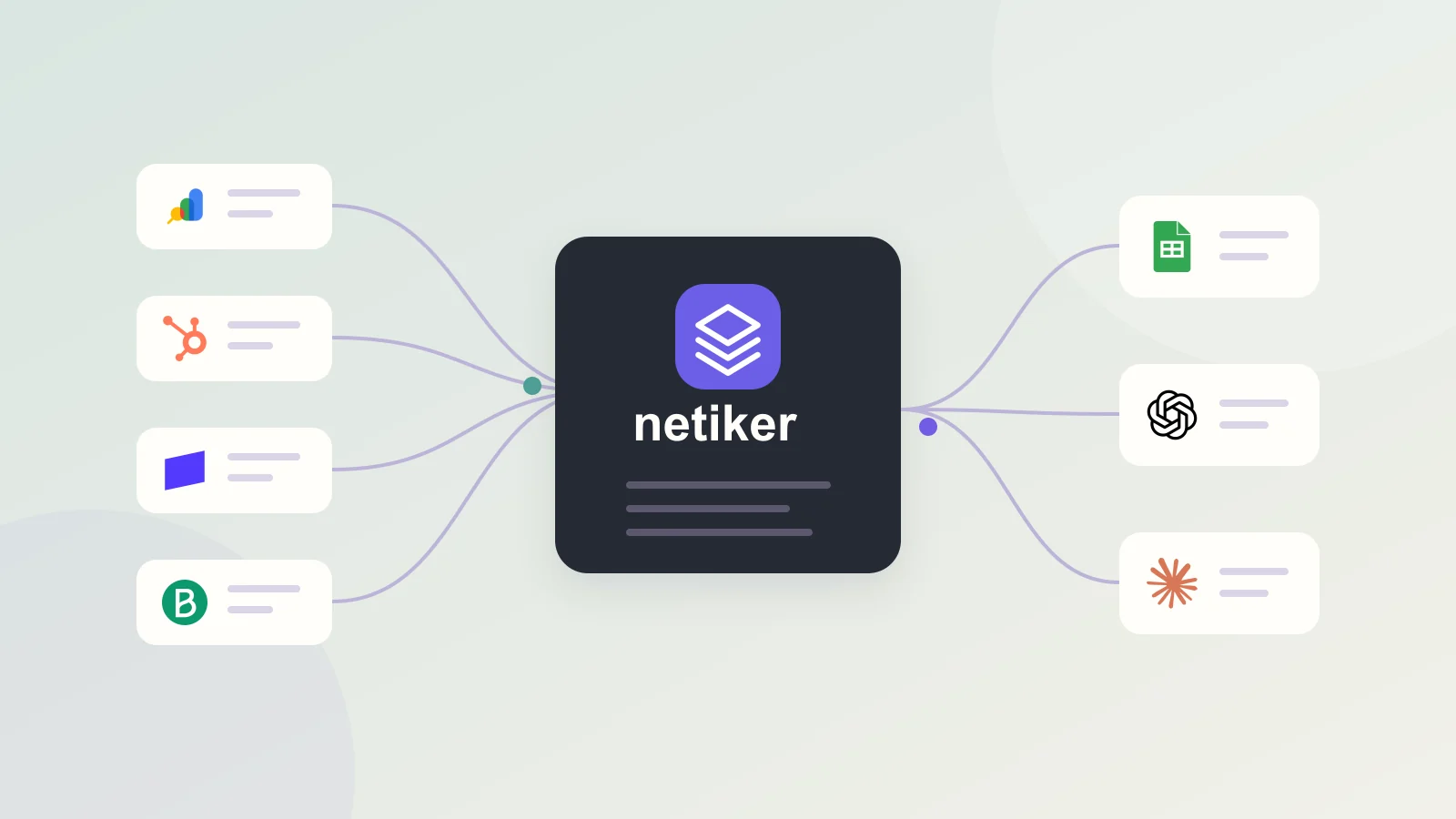
Netiker focuses on a shared workspace for saved source reports, comparisons, table transformations and scoped access through projects, CSV, Sheets, Data API and MCP. Its current source catalog is smaller. Evaluate it for the sources you need instead of assuming feature parity with a larger platform.
Compare the work, not just the subscription
Use the same small acceptance scenario in every product. A connector named after your CRM may import deals but not their historical stage changes. An advertising connector may expose costs without the conversion model your finance team expects.
| Requirement | Question to verify |
|---|---|
| Sources | Does the exact API, object and dimension exist? |
| Accounts | Can the plan cover every client account and property? |
| Data preparation | Can you map keys, handle missing values and reproduce calculations? |
| Destinations | Is the output a file, a live API, a scheduled export or a direct warehouse load? |
| Access | Can a client read only the reports intended for that project? |
| Operations | Can you see a failed import and its last successful data coverage? |
Where Netiker is a practical option
For an SEO team working across several websites, Netiker separates the GSC source type from the number of selected properties. Free permits one API integration type, with multiple GSC properties within that integration. You can evaluate saved reports, build an analysis and add a project collaborator without starting with a warehouse deployment.
Plus is 39 PLN per month and Pro is 129 PLN per month in the current Netiker offer. They raise limits rather than turning every import into unlimited processing. Check the live pricing page for request quotas, rows, schedules and collaborators. Upstream API permissions, provider plans and charges remain separate.
When to evaluate a broader platform first
If your required source or destination is absent from Netiker's catalog, a generic API export is not automatically a replacement for a direct connector. For warehouse pipelines, specialized attribution, procurement requirements or large account portfolios, write down the requirement and ask each vendor for confirmation.
Also compare the delivery model. A dashboard stored in one platform, a scheduled spreadsheet and a table loaded into your own warehouse create different maintenance and access responsibilities. Choose the product that completes the workflow you need, not the product with the longest feature list in an unrelated category.
Walk through a concrete agency scenario
Imagine a small agency managing four websites and producing monthly SEO reports. Its first requirements are GSC data per domain, equal-period comparisons and a readable client handoff. Write those down without product names, then check how each platform handles the four properties, saved work and a read-only recipient.
If advertising joins the workflow later, the acceptance scenario changes. It now needs another source type, campaign fields, currency handling and perhaps a different refresh interval. Re-evaluate the appropriate plan. A suitable starting point for SEO is not automatically the right architecture for every later marketing use case.
This scenario is an example for evaluating a platform, not a description of a specific customer.
Price the same requirement in every platform
Separate monthly payment, annual commitment and additional provider access. Do not compare subscriptions in different currencies solely by their numeric amount. Include the work required to map fields, validate outputs and maintain the workflow.
Use a short cost sheet: the platform plan you need, upstream API access, destination and responsible operator. Record which limit will be reached first as clients are added. That is more useful than a blanket claim that one vendor is always cheaper.
Run a migration pilot before moving clients
Choose one source, one complete reporting period and a few metrics with known totals. Compare row coverage, currencies, dates and rate-limit behavior. Reopen a saved report, share it with a viewer and verify that an unshared dataset remains private. Check what happens when credentials expire.
Then compare the total cost of the plan that actually meets the scenario, including provider access and maintenance. Vendor offers change; this comparison was reviewed on 25 October 2026. We do not claim that Netiker replaces every Windsor.ai or Funnel workflow, and their trademarks do not imply an affiliation.
Questions and answers
Is Netiker a Windsor.ai or Funnel alternative?
For a workflow covered by its sources, transformations and destinations, it can be an option to evaluate. Confirm the exact fields and output you need; the products are not interchangeable across all use cases.
Does a lower monthly price guarantee a lower reporting cost?
No. Account limits, provider subscriptions, required destinations, maintenance and the work needed to validate results can matter more than the entry price.
Reviewed: